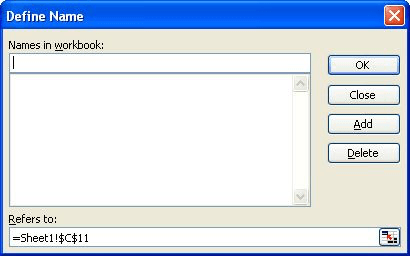
Defining A Name Microsoft Excel
Click the Name And Values tab In the Y Values box, replace the cell reference with the defined name Sales For example, the formula might be similar to the following =Sheet1!Sales Click OK Method 2 Use a database, OFFSET, and defined names in Excel 03 and in earlier versions of Excel I would like to have a keyboard shortcut which moves the cursor into the Name Box to enter a new name or address for selected range, copy the address/name of selected range Just like when you use mouse to reach the Name Box, it sets the focus and selects its content I'm trying to use Chip Pearson's macro Defined Name Box Shortcut

